
Check Content Credentials while you browse
When your image pipeline strips Content Credentials, the AI label you publish never reaches your users, and nobody notices until someone checks the live page.
The c2pa.design extension reads the Content Credentials of any image on the page in front of you, in one click.
Free, for Chrome and Edge. No account needed.
The label is lost between upload and screen
Resizers, CDNs and CMS image sizes re-encode files, and many of them drop the manifest. The file you signed is often not the file the browser shows. Checking by hand means saving each image and dropping it into a verifier, one at a time, for every page and every size.
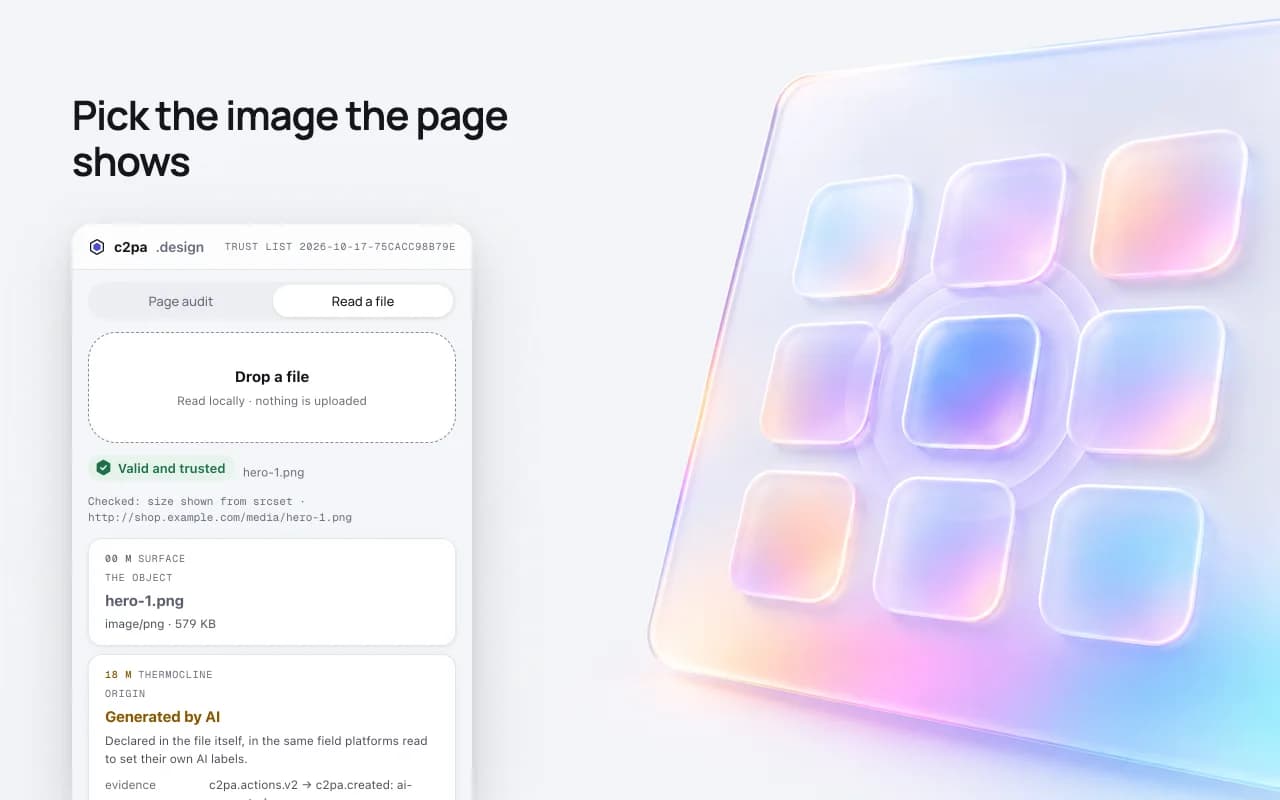
Check the image the browser actually shows
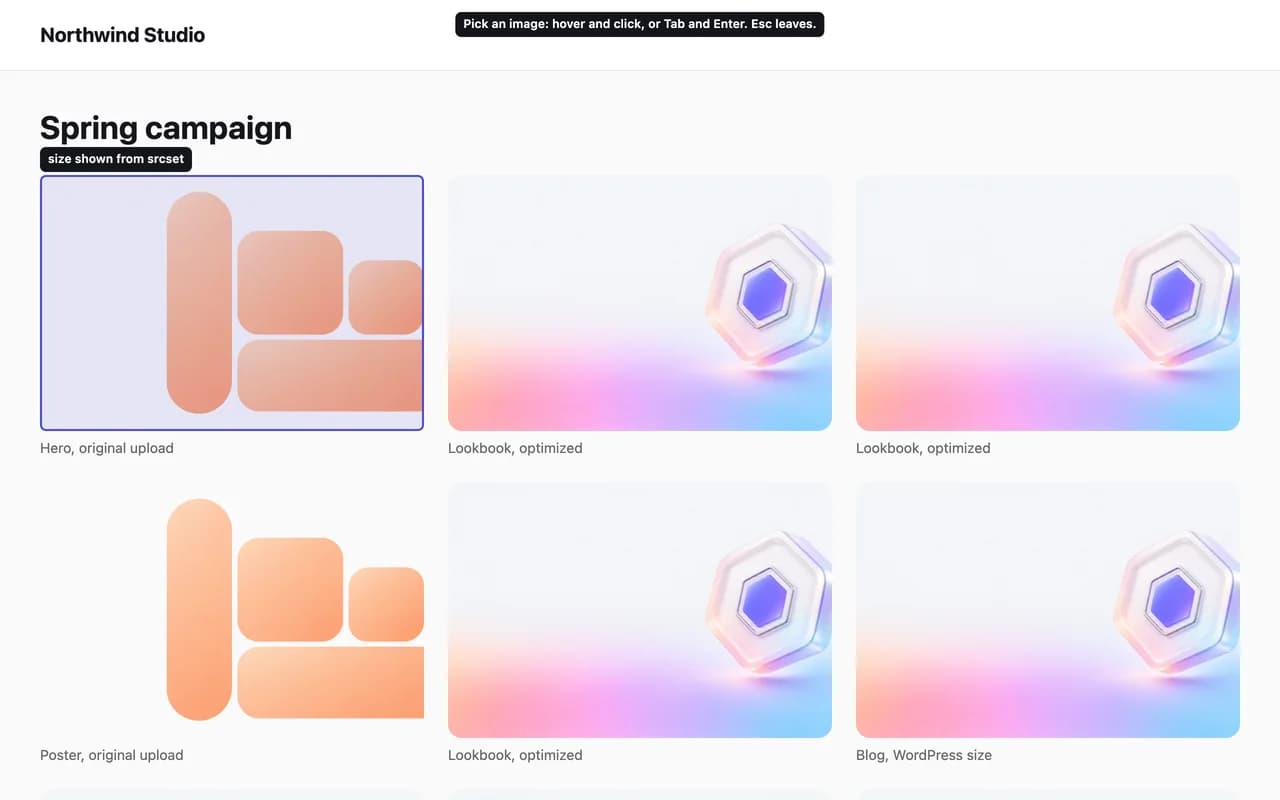
Pick any image
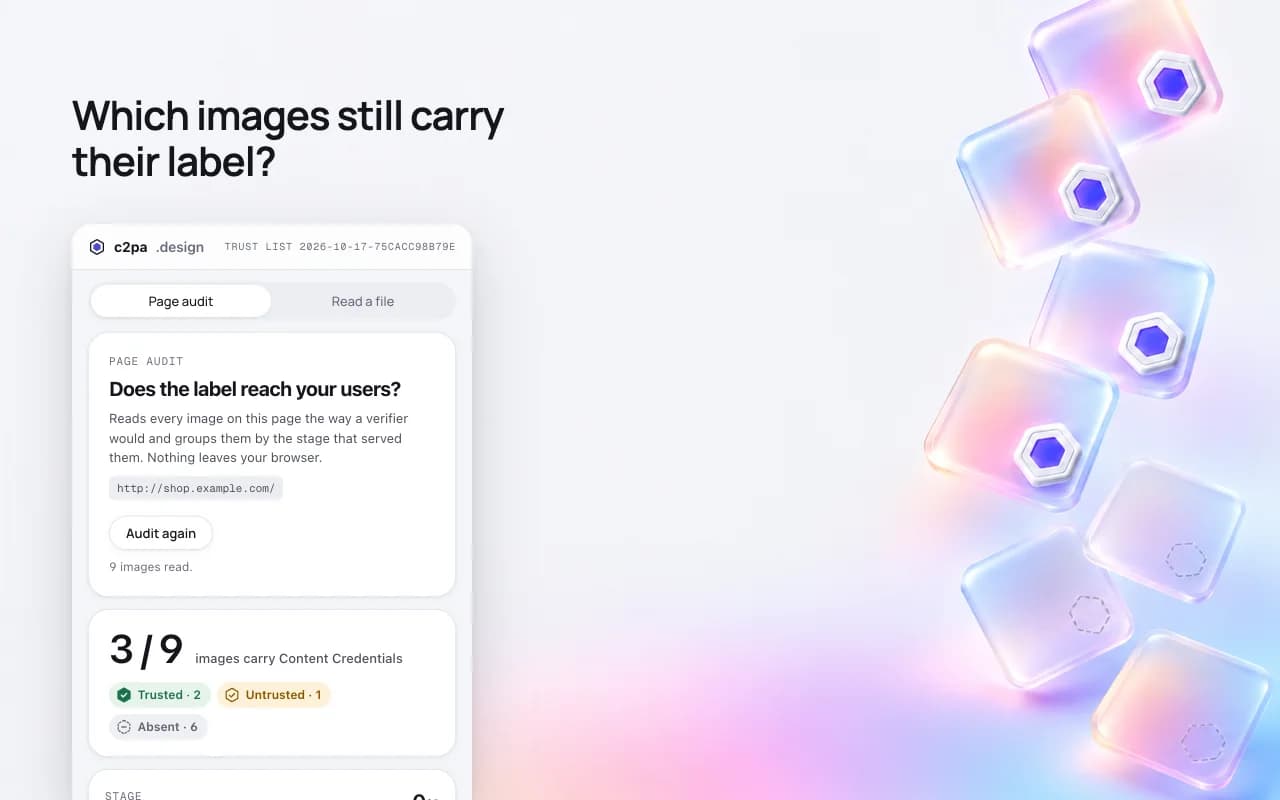
Audit the whole page
Compare with the original
Check against your organization
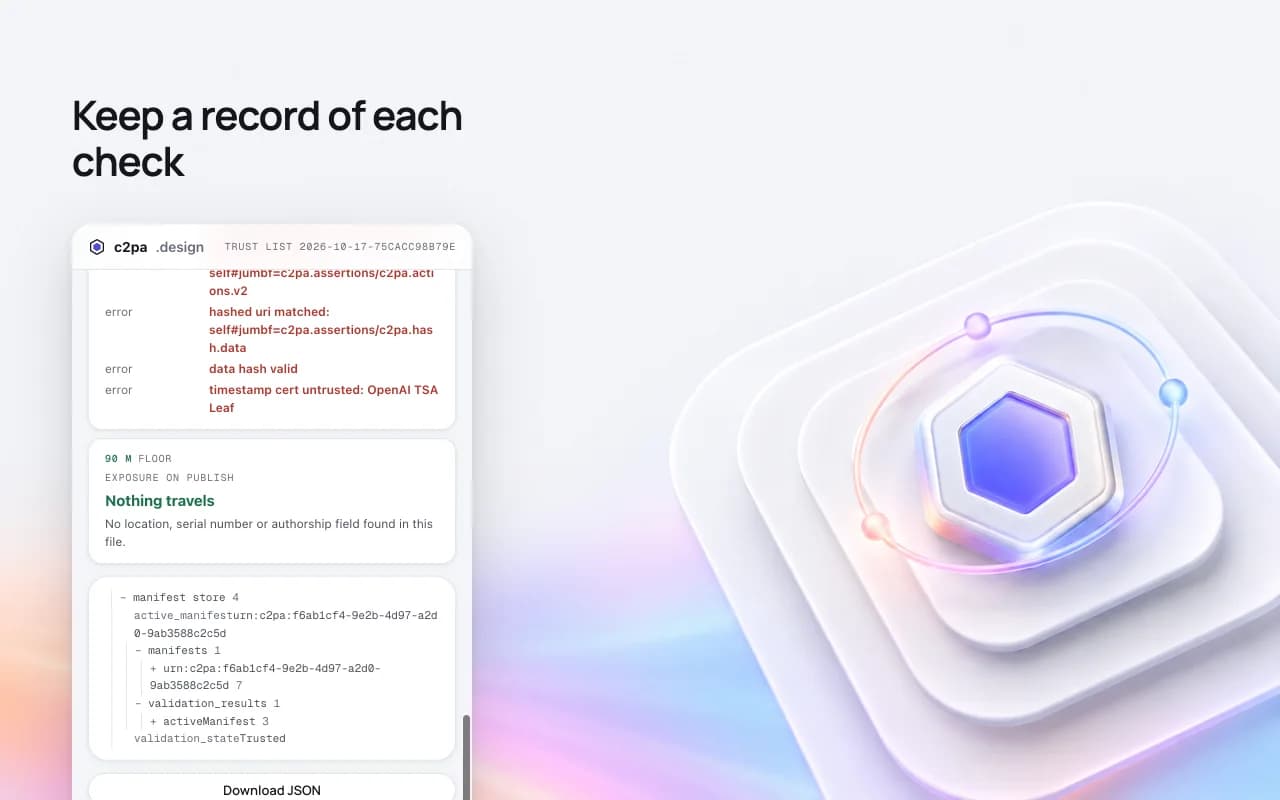
Keep a record
See it work
What stays in your browser
- Files are read inside your browser with the C2PA library bundled in the extension. No image, page address or result is sent anywhere on its own.
- Nothing runs until you click or press the shortcut. No background scanning, no usage statistics.
- The JSON download leaves out GPS and other location metadata and URL query strings. Cookies are never read.
- Only “Share report” uploads: it sends the result of that one image, never the image, to c2pa.design to create a public link.
- A connected extension sends the address of the image you check, never the file, to your own organization, and only when you click “Check in …”.
Independent software, not affiliated with C2PA, Adobe or Google. A missing credential proves nothing about an image: most files on the web carry none. The extension reports what a verifier can read.