Watch Content Credentials across your whole site
Checking one URL tells you about one file today. Watching a site means discovering every asset, re-checking it cheaply and often, naming the hop that lost the credential, and keeping a dated record. How the cycle works, and how to run it politely.
Von c2pa.design · Aktualisiert 2026-10-17 · 9 Min. Lesezeit
This page describes how to measure and record credential coverage; whether that satisfies an obligation is a legal question.
You checked the hero image last month and it was signed. Since then marketing shipped a new landing page, the CDN team turned on AVIF, and an engineer added a thumbnail service for the blog. Each of those touched images. None of them came with a provenance review.
We check a lot of production URLs, and the failure we see most is not a site that never signed anything. It is a site that signed everything at generation, checked it once, and lost it at delivery a few weeks later without anyone noticing.
Credential coverage is a property of a whole site over time, so it has to be measured the same way: every asset, re-checked often enough that you find a loss before anyone else checks, with the hop that broke it named.
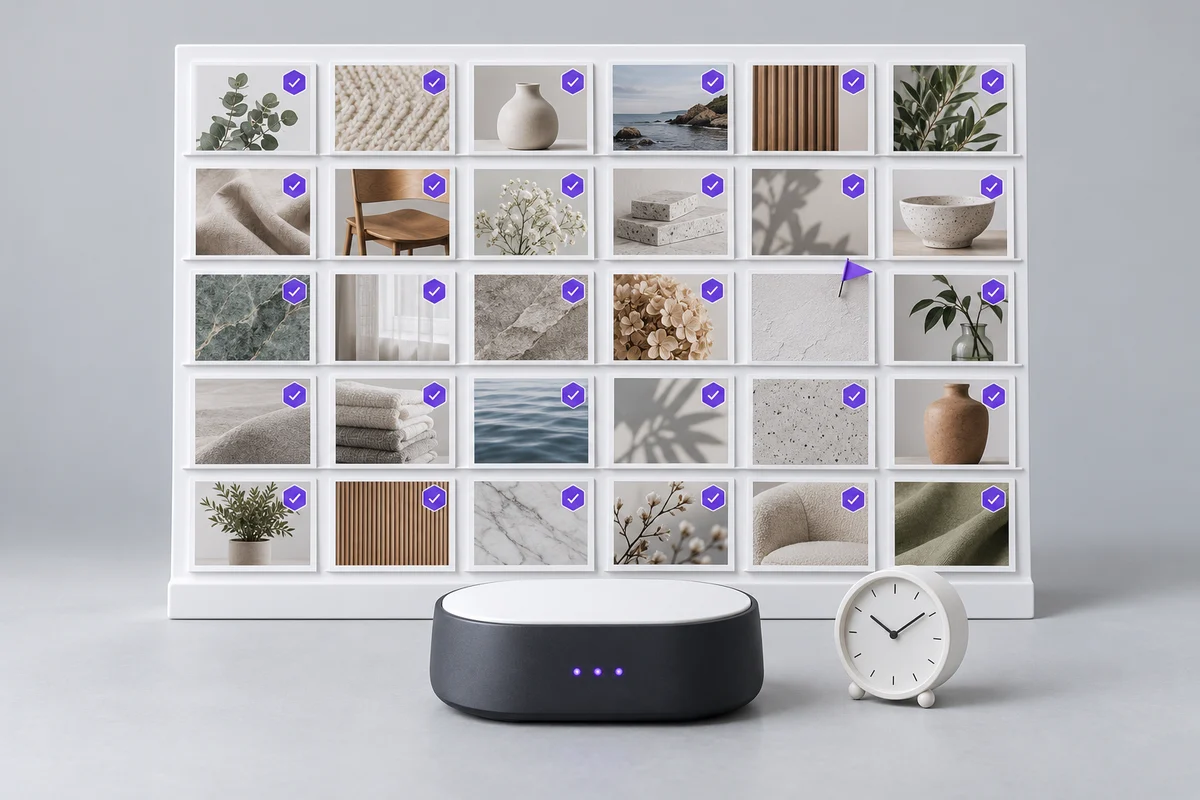
What a full cycle has to cover
| Step | Question it answers | Cost per asset when nothing changed |
|---|---|---|
| Discover | What media does the site serve, and from which hosts? | One page fetch per page, amortised |
| Classify | Is each asset signed, by whom, and is it marked as AI-generated? | One full download and verification, once |
| Track | Did the bytes at this URL change since the last check? | One conditional request, about 1 KB |
| Detect | Did a signed asset stop being signed? | A comparison, no request |
| Explain | Which hop lost it? | A comparison across URLs of the same asset |
| Prove | Can we show a dated record for a month? | A report, once a month |
The arithmetic is what makes daily checks practical: 50,000 assets re-checked with conditional requests is roughly 50 MB a day when nothing changed, plus a full verification for the few that did. The same arithmetic is what makes an hourly or 15-minute interval affordable: a shorter interval multiplies small requests, not downloads.
Where a one-off check falls short
Discovery is the hard part
The images users see are not the images in your repo. They are srcset variants, Open
Graph images rendered for social cards, <video> sources on a different host, and files on
a CDN hostname nobody wrote down. A list you maintain by hand is out of date the day after a
redesign.
The same image lives at several URLs
/img/hero.jpg at the origin, cdn.example.com/hero.jpg?w=800 and an AVIF variant are one
asset to a person and three URLs to a crawler. Count them separately and coverage numbers
lie. Group them by content hash and perceptual fingerprint instead.
"Lost" needs a before
An absent reading on its own proves nothing. Most images on the web were never signed. The
only reading worth an alert is a change: this asset was signed yesterday, or is signed at
another URL, and is not signed here.
The CDN host is not in your sitemap
Sitemaps list pages. The images on those pages often come from cdn.example.com,
images.example-cdn.net or a storage bucket's public hostname, and those hosts are where
format negotiation and resizing happen. Discovery has to follow the src attributes off the
domain you started with and track every host it finds, or it measures the origin and misses
the hop that strips.
Alerts nobody reads
A site-wide check that emails on every absent reading is turned off within a week. Most
assets on most sites were never signed: stock photos, screenshots, logos. The alert has to
fire on a loss, not on an absence, and one configuration change has to produce one message.
Someone else checks first
A stripped credential is public as soon as the CDN serves it. The next person to run a verifier on that file might be a regulator testing marking, a journalist with a browser extension, a platform checking uploads, or a customer. Whoever checks first finds the loss first. The re-check interval decides whether that is your team: a daily check can leave a loss unseen for a day, a 15-minute check for 15 minutes.
A crawler is a guest
A site-wide check is a crawler, and a crawler that ignores robots.txt or fetches a hundred images a second gets blocked, or takes a small origin down. Politeness is a design requirement, not a courtesy.
What does not work
A cron job on one URL. It catches a regression on the page you thought of and misses the blog, the help centre and the product images served from a second CDN.
Checking files in storage. The bucket holds the originals, which are usually signed. The loss happens after the bucket.
An uptime monitor with a content check. It confirms the page returns 200. It does not open the image, and it cannot tell a signed JPEG from a stripped one.
How to run the cycle
1. Prove you own the domain
Only crawl what you control. Ownership proof keeps a site-wide crawler from being pointed at someone else's site. Either publish a DNS TXT record:
example.com. TXT "c2pa-design-verification=<token>"
or serve the same token at a well-known path:
curl https://example.com/.well-known/c2pa-design.txt
2. Discover every asset, politely
Read robots.txt first and respect Disallow and Crawl-delay. Then read the sitemap, and
for each page collect img, srcset, source, video and og:image URLs, plus the CDN
hosts they point to. Rules worth copying for any crawler you write:
| Rule | Setting |
|---|---|
| Identify yourself | A fixed User-Agent with a contact page, here c2pa-design-bot/1.0 (+https://c2pa.design/bot) |
| robots.txt | Respected, cached for 24 hours; unreachable robots.txt means do not crawl |
| Rate | One request in flight per host, one request per second, or slower if Crawl-delay asks; different hosts in parallel |
| Back-off | Honour Retry-After on 429 and 503; exponential back-off on errors; stop a host after repeated failures |
| No evasion | No rotating proxies; a blocked site is reported as blocked, and the owner allowlists the published User-Agent |
3. Classify each asset once
Download each new asset and verify it: status, signer organisation, signer type (AI generator, camera, platform, editor), the IPTC digital source type, and a perceptual hash. From a terminal, for one URL:
c2pa-check https://cdn.example.com/hero.avif
Store the result with the URL, the sha256 and the response ETag and Last-Modified.
Group URLs into assets: identical sha256 is the same file, and a close perceptual hash links
the origin JPEG to its resized AVIF variant. That grouping is what lets step 5 say where a
credential survived and where it did not.
4. Track with conditional requests
Re-check every URL on a fixed interval with the validators from the last fetch:
curl -s -o /dev/null -w '%{http_code}\n' https://cdn.example.com/hero.avif \
  -H 'If-None-Match: "a1b2c3"' -H 'If-Modified-Since: Tue, 06 Oct 2026 08:00:00 GMT'
304 means nothing changed and there is nothing to verify. 200 means new bytes, so verify
again and record a new sighting. A URL that disappears from every page is marked removed,
not deleted, so its history stays.
Pick the interval by how fast the site changes and who would notice a loss:
| Interval | A loss stays unseen for at most | Fits |
|---|---|---|
| Daily | A day | A site that ships new media weekly |
| Every hour | An hour | A product that deploys several times a day |
| Every 15 minutes | 15 minutes | A generator's output, a newsroom, a launch week |
A shorter interval does not change the per-host rate from step 2. Hosts run in parallel; no single host is ever fetched faster.
5. Detect the change, explain the hop
Compare each new reading with the previous one for the same URL and with readings of the same asset at other URLs. The alert worth sending names both:
3 asset(s) lost their Content Credential

  cdn.example.com/blog/cover.avif?w=800   valid_trusted -> absent   kept at example.com/uploads/cover.jpg
  cdn.example.com/hero.avif               valid_trusted -> absent   kept at example.com/img/hero.jpg
  cdn.example.com/og/launch.png           valid_trusted -> present_invalid   kept at example.com/og/launch.png
"Kept at" names the copy that still carries the credential, so the hop between the two URLs is the one that strips it. Here it is the CDN's transform, not the generator. Batch alerts per run: one CDN setting change should send one message, not a thousand. Send it from the run that found the change, not from a nightly job: the interval already sets how late you are, and delivery should add a minute at most.
6. Prove it, monthly
The record is what turns a check into evidence. Once a month, export every tracked asset with its status, signer, check timestamps and the trust-list version used, as PDF for people and CSV for auditors.
| Column | Example |
|---|---|
| Asset | sha256 and the URLs it was served at |
| Status at each check | valid_trusted on 1–17 October, absent from 18 October |
| Signer and type | OpenAI Media Service, AI generator |
| Digital source type | trainedAlgorithmicMedia |
| Trust list version | The official C2PA Trust List version used for each check |
| Events | Lost on 18 October at the CDN variant, kept at the origin; regained on 19 October |
The point of the export is that someone who was not on the team can read what was served, when, and what changed, without running anything.
7. Hand the cycle off
Steps 1 to 6 are a crawler, a job queue, a fingerprint store and a mailer. If you would rather not own them, Autopilot runs the same cycle on a verified domain. It re-checks every hour, alerts by email, Slack or webhook within a minute of the check that finds a loss, with the "kept at" URL, and sends the weekly digest. It is priced on assets under management, from €199 a month for 10,000 assets on one domain; Pro, at €699 for 50,000 assets on five domains, re-checks every 15 minutes and adds the monthly Art. 50 evidence pack. Start with the free scan: it samples up to 500 assets, typically in a few minutes, and prints the headline:
Domain            example.com
Assets found      1,240
Signed at birth   38 %
Still signed when served   4 %
What we are not
Watching credentials is not judging content. We report whether a file carries a valid Content Credential and who signed it. A missing credential proves nothing about an image, and no result we produce is a verdict on whether a file is genuine or generated.
Conclusion
A single check describes one file on one day. A site needs the whole cycle: find every asset, re-check it cheaply, alert only on a change, name the hop that caused it, and keep a dated record. Run it politely on domains you own, and the record answers what your users actually received last month.
See your own number first at c2pa.design/verify/domain.
Sources
- RFC 9309 — Robots Exclusion Protocol
- RFC 9110 — HTTP Semantics: conditional requests and Retry-After
- Article 50, EU Artificial Intelligence Act
- European Commission — Code of Practice on Transparency of AI-generated Content
- C2PA Trust List and Conforming Products List
- PDQ perceptual hash, Meta ThreatExchange