How to find a copy that lost its Content Credentials
A stripped image carries no manifest, so nothing inside it points home. Soft binding does: sha256 vs PDQ vs ISCC vs TrustMark, what a registry match can and cannot prove, and the C2PA Soft Binding Resolution API.
Von c2pa.design · Aktualisiert 2026-10-07 · 8 Min. Lesezeit
Your generator signs every image. Your users save it, a platform re-encodes it, and the copy that comes back to you in a support ticket or a news story has no manifest at all. You know it is yours. The file does not say so.
We check a lot of production URLs, and the most common result is absent. Under C2PA that
reading proves nothing: most files on the internet were never signed. The useful question is
narrower: whether anyone saw these pixels before, back when they still carried a credential.
A stripped copy can only be recognised by a fingerprint taken while the credential was still there, so the work happens at birth, not at lookup.
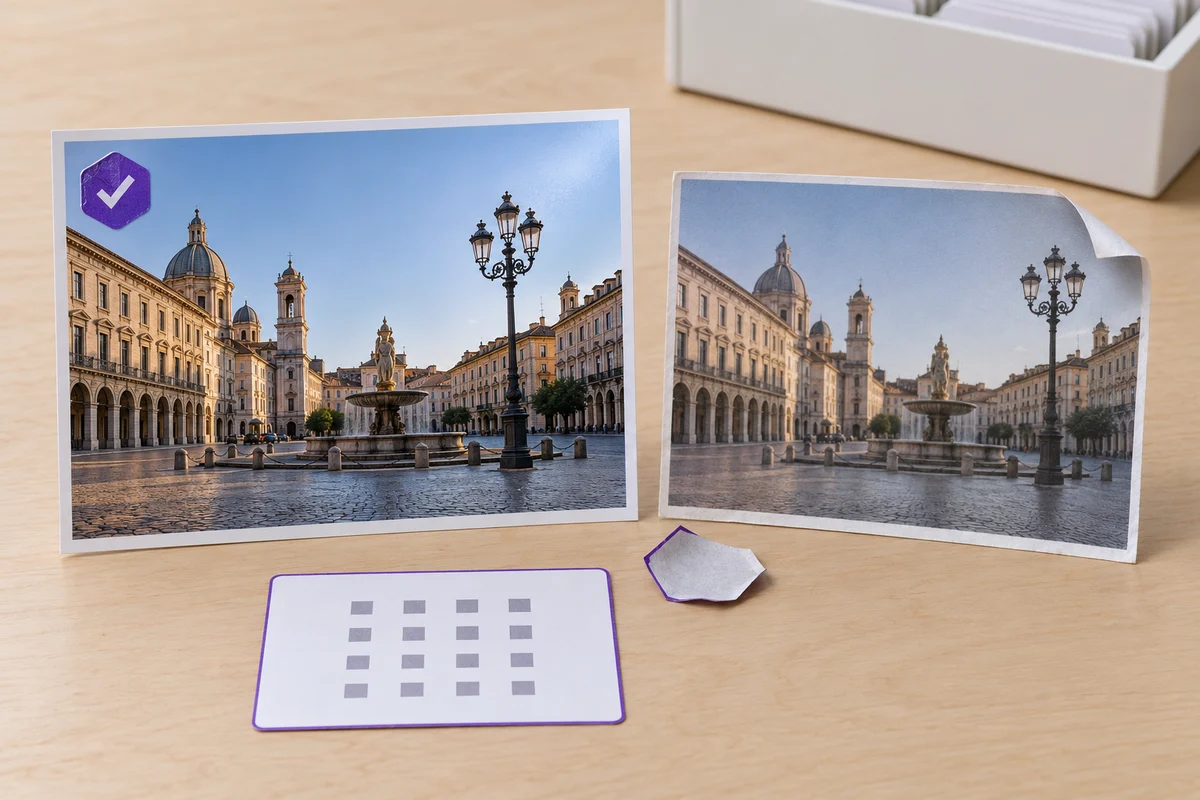
The four ways to recognise a file
C2PA calls the link between a manifest and the content a binding. A hard binding is a cryptographic hash over the exact bytes. A soft binding is anything that still matches after the bytes change: a perceptual fingerprint or a watermark. The C2PA specification keeps an official list of soft-binding algorithms so that verifiers agree on names.
| Method | What it is | Survives | Finds a stripped copy | False matches |
|---|---|---|---|---|
| sha256 | Hash of every byte | Nothing. One changed byte is a new hash. | Only a byte-identical copy | None |
| PDQ | Meta's 256-bit perceptual hash; a match is a Hamming distance of 31 or less | Resize, recompression, metadata strip | Yes | Low, but attackable; crops defeat it |
| ISCC | ISO 24138 content code; on the C2PA soft-binding list | Same family as PDQ, standardised identifier | Yes | Similar to PDQ |
| TrustMark | Adobe's open-source watermark (MIT), payload protected by BCH error correction | Strip, recompression, screenshots | Yes, and the payload can point to the manifest | Close to zero |
| SynthID, Digimarc, Imatag | Proprietary watermarks | Vendor-dependent | No public decoder | Not testable by a third party |
Two facts sit under that table. Adobe runs the only other public soft-binding resolver. And the C2PA soft-binding specification (version 2.4) defines a resolution API so that any verifier can ask any registry the same question in the same shape.
Why the obvious lookup fails
The obvious approach is to hash the file and search for the hash. That works for exactly one case: someone sent you the original. Every realistic path from your generator to a stranger's screen produces new bytes.
| Stage | What changes | sha256 | PDQ / ISCC | TrustMark |
|---|---|---|---|---|
| Download from your app | Nothing, if you serve the original | Same | Same | Present |
| Your own thumbnailer (sharp, Pillow, ImageMagick) | Pixels resampled, metadata dropped | New | Close | Present |
CDN resize (width= query, format negotiation to AVIF) |
Re-encoded, new container | New | Close | Present |
| Social upload (Instagram, X, LinkedIn) | Re-encoded, metadata stripped | New | Close | Present |
| Screenshot on a phone | New pixels, status bar, new size | New | Often close, fails if cropped | Usually present |
| Crop to a square for a thumbnail grid | Part of the image gone | New | Usually fails | Depends on the crop |
The pattern is that sha256 breaks at the first hop and is useless for this job. A perceptual hash survives the hops a pipeline applies on its own and fails on the edits a person makes on purpose. A watermark survives more, but only if it was written before the image left you.
The second problem is coverage. A fingerprint matches against a database, and the database only holds what someone put there. If nobody registered the image while its credential was intact, a perfect fingerprint finds nothing. That is why "find stripped copies" is a collection problem first and an algorithm problem second.
What does not work
Reverse image search. It finds visually similar pages, which is useful for a journalist and useless as a record. It returns no signer, no first-seen date, no manifest, and its index is not something you can cite.
An AI classifier. A classifier scores pixels for how generated they look. It cannot tell you that this specific image left your service on a specific date with a specific credential, and it will score a signed photograph and a stripped one the same way. A probability is not provenance.
Storing sha256 and calling it a registry. It is a perfect deduplication key for your own inventory. As a lookup for copies in the wild it matches nothing that has been through a single CDN.
What a match can prove, and what it cannot
This is the part to get right before anything ships, because the wording travels with the result.
| A registry match can say | A registry match cannot say |
|---|---|
| These pixels are perceptually close to an asset first seen on a given date | That this copy came from that asset rather than from a common source both were made from |
| That asset carried a valid credential from a named signer | That the credential applies to this copy; this copy carries none |
That the signer marked it as AI-generated (trainedAlgorithmicMedia) |
That this copy is AI-generated, edited, misused or genuine |
| The distance and the algorithm used | Anything about a crop or edit that pushed the distance past the threshold |
A watermark read is stronger than a perceptual match because the payload was written on purpose and points to one manifest. A perceptual match is a lead. Either way, the copy in your hand still has no credential, and the honest result says so in the same sentence as the match.
How to set it up
1. Fingerprint at birth, beside the credential
The fingerprint has to be taken from the signed original, at the moment you sign or receive it. Compute PDQ in the same job that stores the file. With the Python bindings:
pip install pdqhash opencv-python-headless
python -c "import cv2,pdqhash; i=cv2.cvtColor(cv2.imread('out.png'),cv2.COLOR_BGR2RGB); v,q=pdqhash.compute(i); print(''.join(map(str,v)), q)"
Store the 256 bits, the quality score, the sha256, the signer and the manifest id. Skip fingerprints with a quality below 50; flat or near-blank images produce hashes that match everything.
2. Add an ISCC if other systems will query you
PDQ is a fine internal key. If you want a verifier you do not control to find your asset, use the identifier on the C2PA soft-binding list:
pip install iscc-sdk
python -c "import iscc_sdk as idk; print(idk.code_iso('out.png').iscc)"
3. Decide on a watermark before the image leaves you
A watermark is the only method in the table that survives a screenshot reliably, and it can only be added to the original. TrustMark is open source and decodes locally:
pip install trustmark
python -c "from trustmark import TrustMark; from PIL import Image; print(TrustMark(model_type='Q').decode(Image.open('copy.jpg').convert('RGB')))"
The decoder returns the payload, whether a mark is present, and the schema. If you embed, put the manifest identifier in the payload so a read leads straight back to the record.
4. Look up a credential-less file
Every time you or your users check a file and get absent, compute the same fingerprints
and query the registry. Match PDQ by Hamming distance of 31 or less, and only against
entries with a usable quality score. On /verify, a file with no credential
that matches a registered asset prints:
Content Credentials   Absent
Registry match        PDQ distance 12
First seen            2026-10-01
Carried               Content Credential signed by OpenAI (AI-generated)
This copy             The credential is not in this copy.
The sentence the user reads is: "This image matches an asset first seen on 2026-10-01 that carried a Content Credential signed by OpenAI (AI-generated). The credential is not in this copy." It passes no verdict on the copy, and it does not need to.
5. Speak the resolution API so others can ask
The C2PA Soft Binding Resolution API defines three calls:
| Call | Input | Returns |
|---|---|---|
/matches/byBinding |
An algorithm name from the C2PA list and a fingerprint or watermark value | Matching manifest identifiers |
/matches/byContent |
The media itself | Matching manifest identifiers |
/manifests/{manifestId} |
An identifier from a match | The manifest store |
Implementing the open shape instead of a private endpoint means any verifier that already talks to Adobe's resolver can talk to yours.
6. Decide who can see a match
A perceptual hash of a photo of a person can be personal data. Keep private inventories scoped to their owner, store fingerprints only from public lookups where the user opted in, and never store the media bytes at all. A match is shown publicly only when the asset's owner allowed public matching.
7. Keep the loop running
Every signed asset you register makes the next stripped copy findable. Every absent result
you check is a lookup. The registry is only as good as the day you started filling it, which
argues for starting with the next image you generate.
What we are not
We do not run a detector and we do not issue verdicts. A missing credential proves nothing about a file, and a registry match proves only that the pixels are close to something we saw with a credential. That is still the most useful sentence you can give someone holding a stripped copy, because it is the one statement that can be checked.
Conclusion
A stripped copy cannot tell you where it came from. A fingerprint taken at birth can, as long as the registry saw the original while it still carried its credential. Hash for your own inventory, fingerprint for the wild, watermark for screenshots, and word every match as a fact about pixels rather than a judgement about the file.
Drop a credential-less copy into c2pa.design/verify and see whether it matches anything registered.